ZipUnzip Archiver
Opens the archives your Mac can't.
macOS 14+
Apple silicon & Intel
No network access
One-time purchase
Opens the archives your Mac can't.
The app
macOS opens ZIP on its own. The moment someone sends you a .rar or a .7z, you are stuck. This handles all of them in one window, with no setup and nothing to sign into.
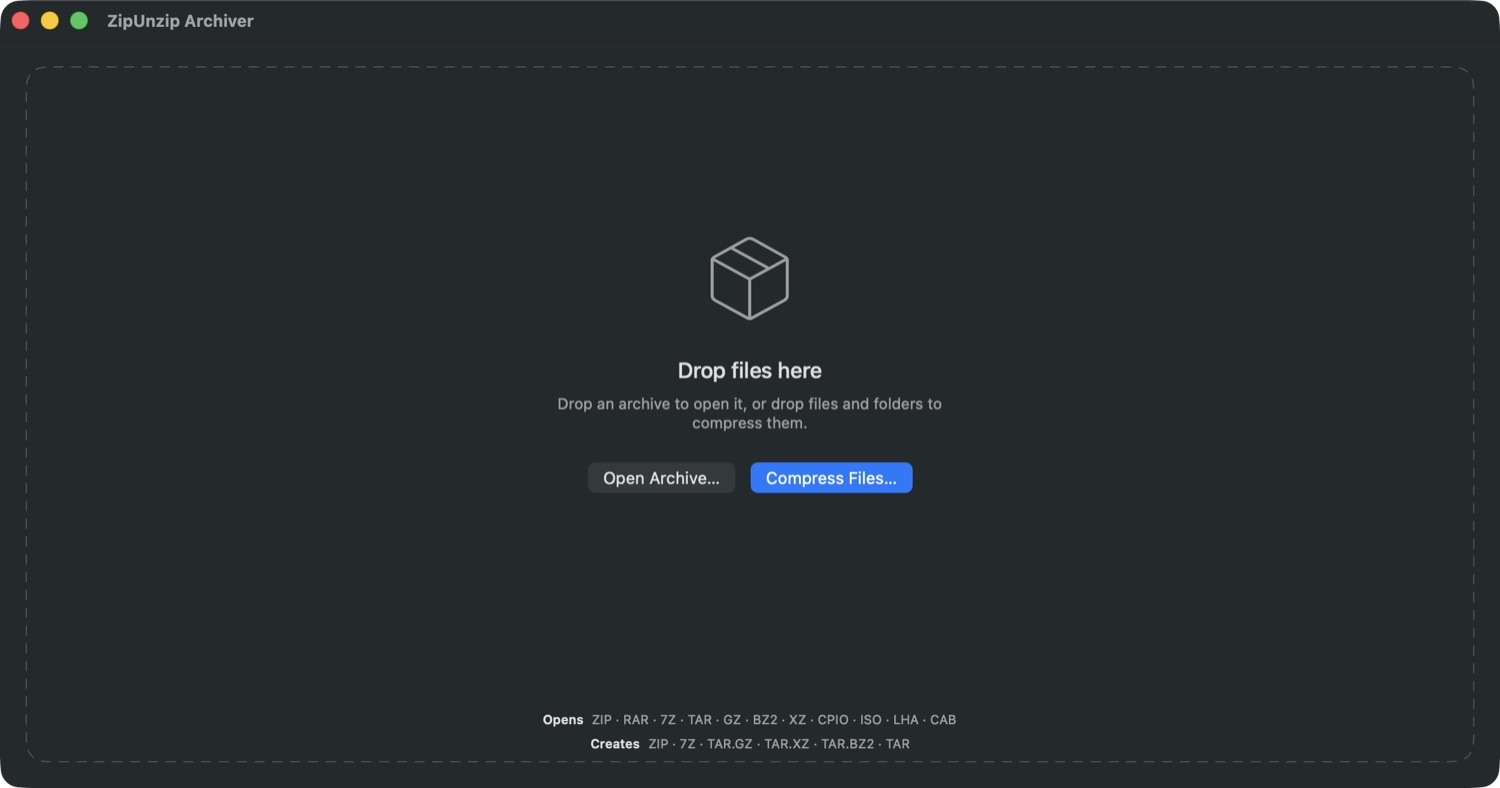
Formats
What it does
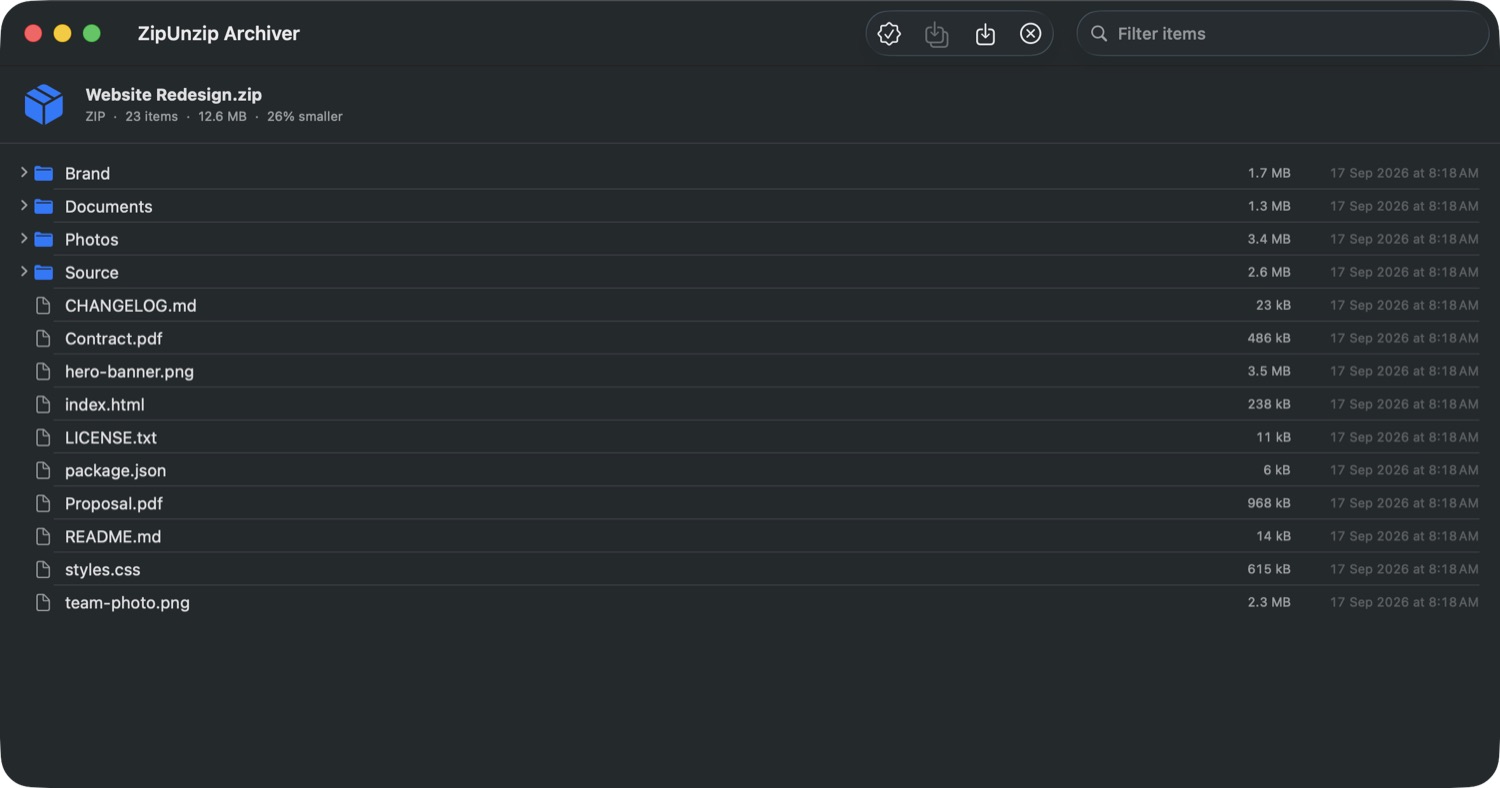
See the whole archive as a tree first. Take all of it, or select the three files you actually came for.
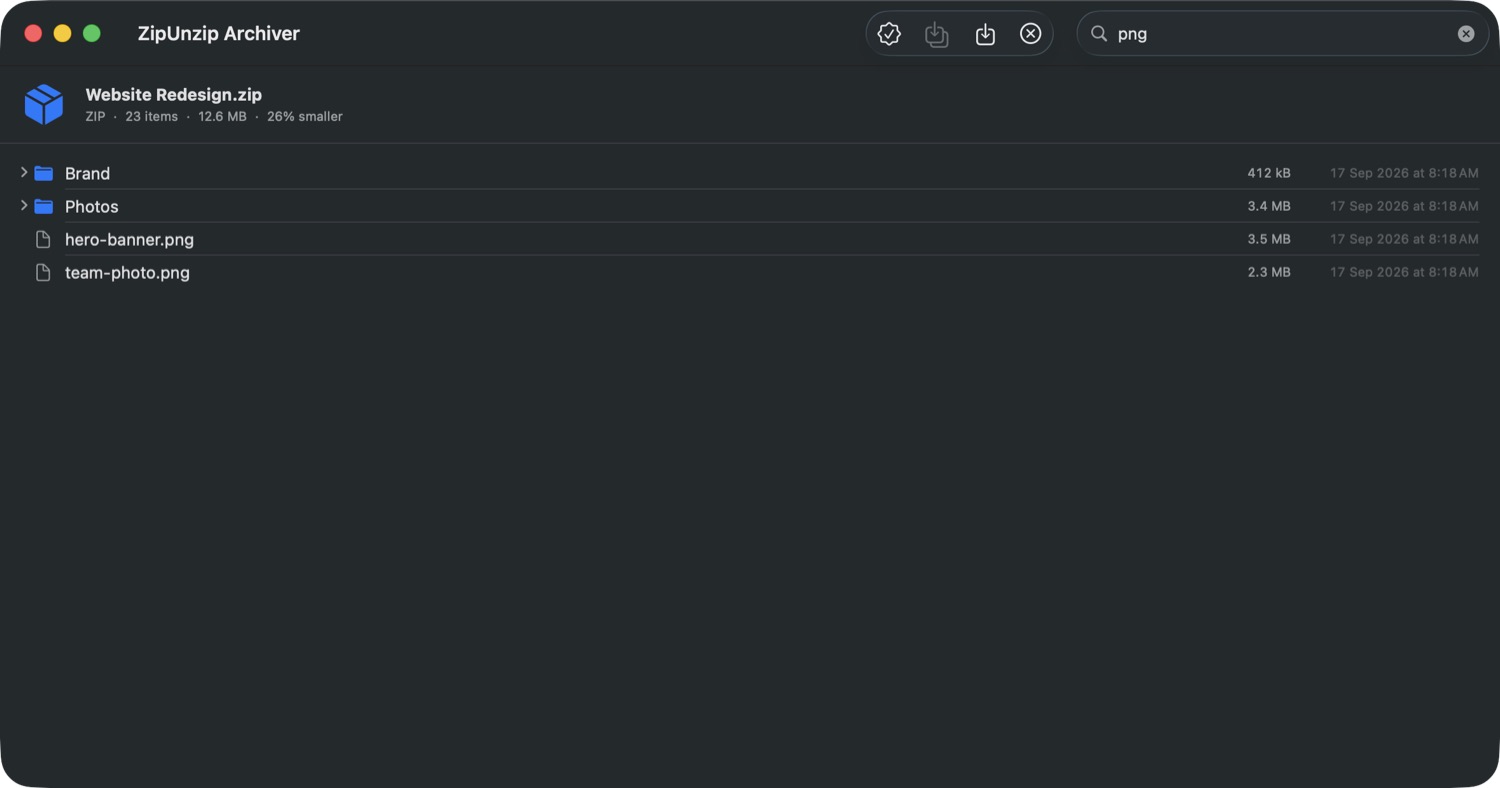
Filter a thousand-file archive down to what you need without unpacking any of it.
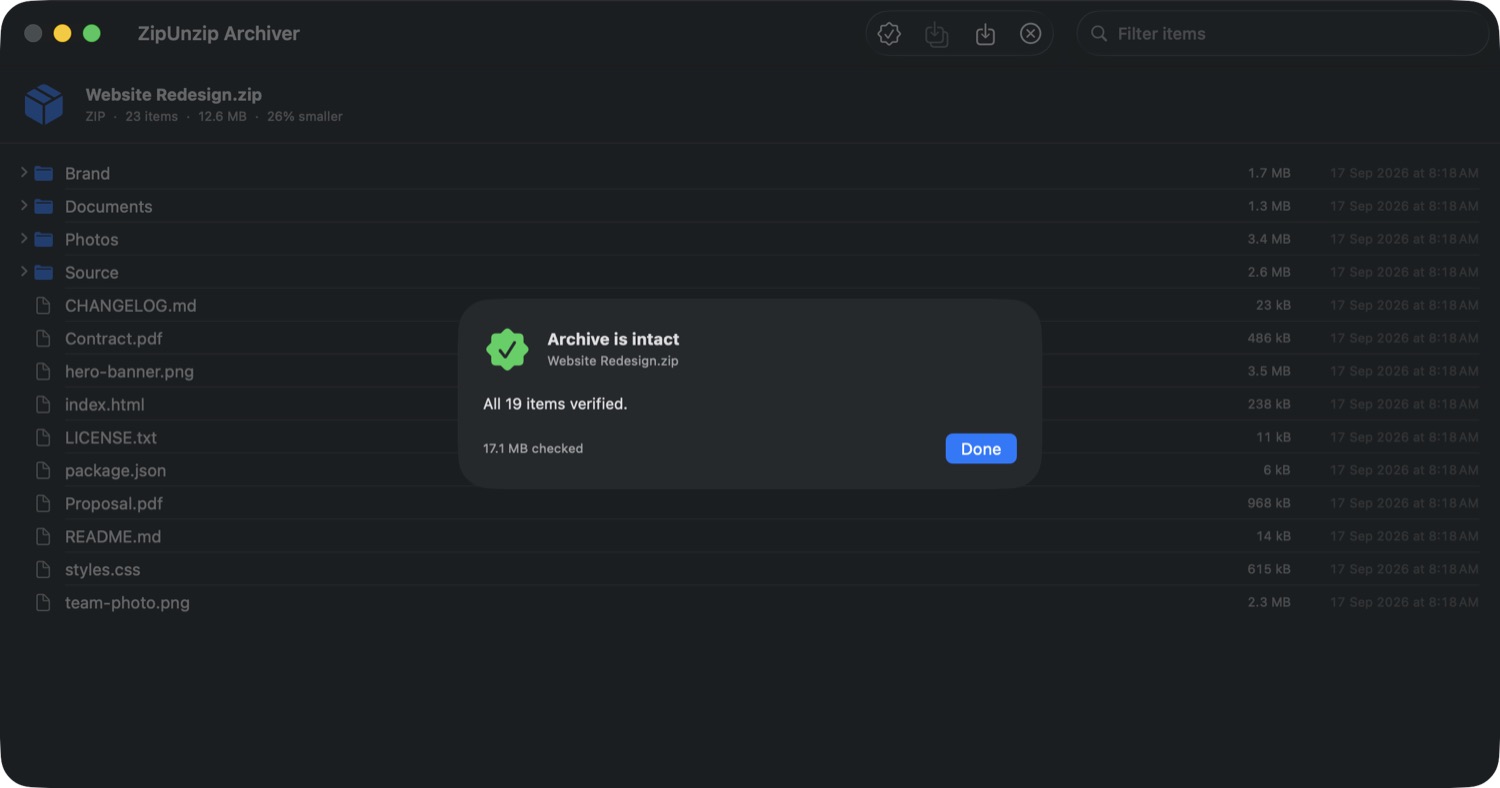
Decodes every file and checks it against its stored checksum. Catches damage inside a compressed stream that a file listing cannot see — worth running before deleting an original.
Extract Here, Open, or Compress straight from Finder, without opening the app first.
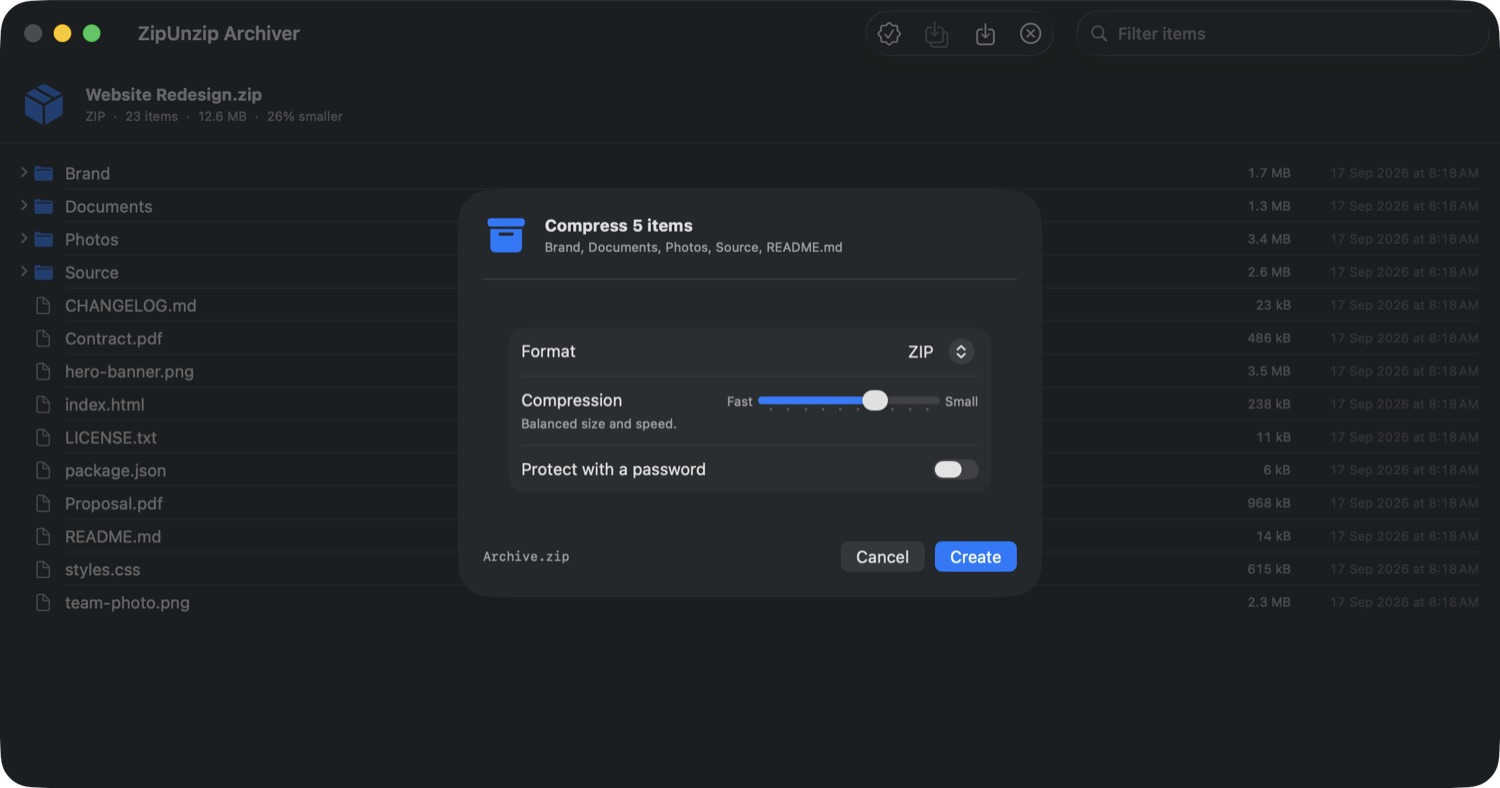
Protect a ZIP with AES-256. Encrypted ZIPs made anywhere else open here too, both the modern and the legacy scheme.
Not a promise about data collection — the app has no network permission, so it cannot connect to anything. Your files never leave your Mac.
Worth knowing before you buy
RAR compression is proprietary to its owner. No third-party application can legally produce a .rar file — that is true of every archiver on the Mac, not only this one. Extraction is unrestricted, which is why opening them works perfectly well.
The same honesty applies to encryption. Password-protected ZIP archives can be both opened and created. Encrypted 7-Zip and RAR archives can be recognised but not decrypted, and the app tells you so plainly rather than asking for a password that could never work.
Legal
Last updated: 17 September 2026
The app collects nothing, sends nothing and stores nothing about you. There is no account, no analytics and no advertising. It has no network permission, so it is not capable of transmitting anything even if it wanted to.
Archives are opened, extracted and created entirely on your own Mac. No file, filename or part of a file is uploaded anywhere. The app runs inside Apple's sandbox and can only read and write the files and folders you point it at, by dropping them on the window, choosing them in an open panel, or selecting them in Finder.
One preference: where you asked extracted files to be saved. It lives in the app's own settings and goes nowhere else. Removing the app removes it.
A password you type to open or create an encrypted archive is used for that operation and then discarded. It is never written to disk, never stored in your keychain, and never leaves your Mac.
The app is a general-purpose utility and is suitable for all ages. Because it collects no information from anyone, it collects none from children.
This policy may be updated from time to time. The current version is always here, and the date above shows when it last changed.
Privacy questions can be sent to narender.nanu@gmail.com.
Last updated: 17 September 2026
You are granted a personal, non-exclusive, non-transferable licence to use ZipUnzip Archiver on Macs you own or control. You may not resell, rent or redistribute it, and you may not decompile or reverse engineer it.
A Mac running macOS 14 or later, on Apple silicon or Intel. The Finder right-click menu requires enabling the extension once in System Settings.
RAR archives can be opened but not created, because RAR compression is proprietary to its owner and cannot lawfully be implemented by third parties. Encrypted 7-Zip and RAR archives can be detected but not decrypted. These are limitations of the formats, not defects in the app, and they are stated here and on the App Store listing so that nobody buys on a misunderstanding.
Keep a copy of anything you cannot afford to lose before extracting over it or deleting an original. The app does not delete your archives for you, and it will not overwrite an existing file without either renaming the new one or being told to replace it, but no software is a substitute for a backup.
The app is provided "as is" and "as available". We do not warrant that every archive ever produced by every other tool will open, that it will run without interruption, or that it will be free of defects. Damaged archives may be partly or wholly unreadable, which the Verify feature exists to reveal.
To the maximum extent permitted by law, we are not liable for any indirect, incidental or consequential loss arising from use of, or inability to use, the app, including loss of data. Nothing here limits any right you have under consumer protection law that cannot lawfully be limited.
The app and these terms may be updated from time to time. The date above shows when these terms last changed.
These terms are governed by the laws of India. This does not deprive you of the protection of any mandatory consumer law that applies where you live.
Questions about these terms can be sent to narender.nanu@gmail.com.