D
Dropbox & Google Drive
Connect cloud storage, browse files, copy selected items into My Files, and keep your workflow moving.
A clean file manager for iPhone and iPad that helps you copy files from cloud storage, organize them in My Files, create ZIP archives, and share documents quickly.
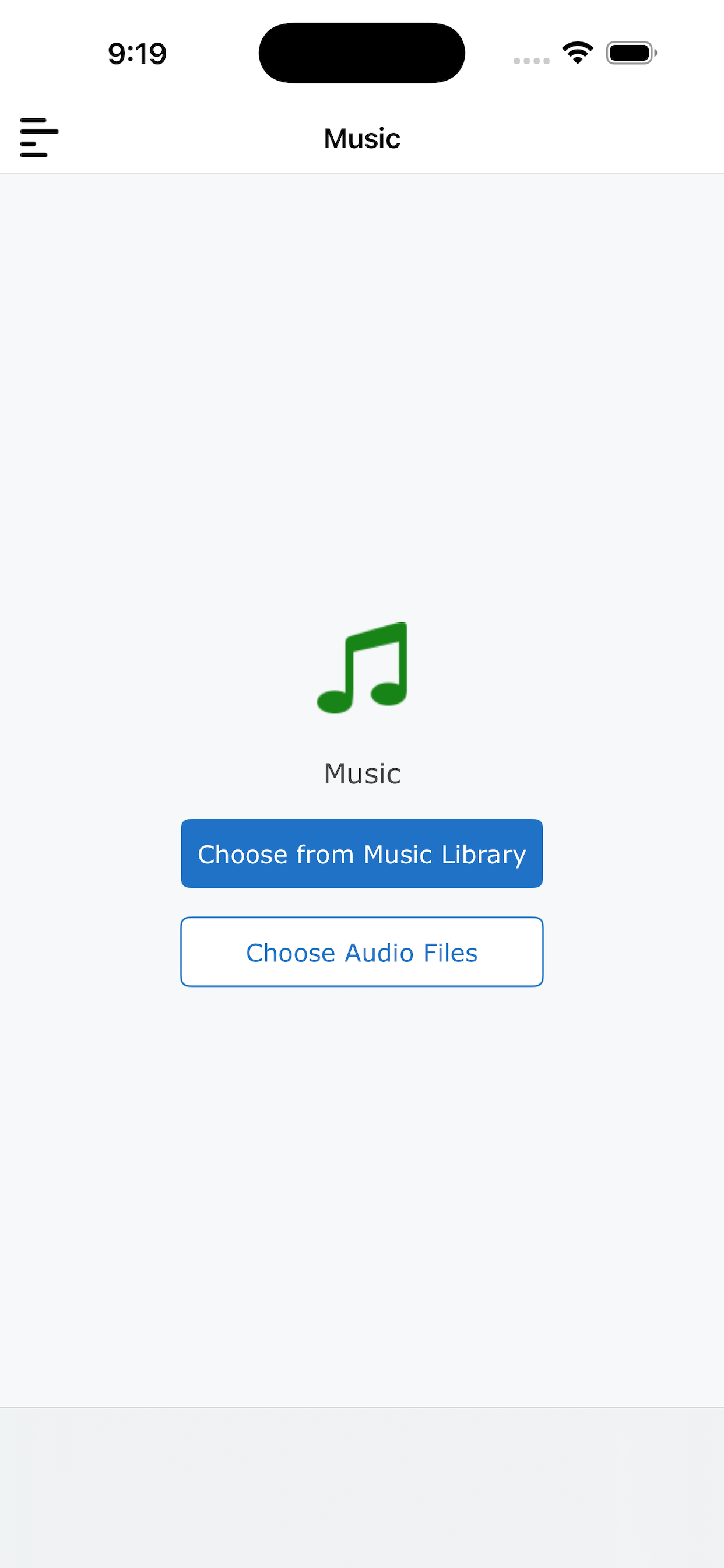
SmartZip keeps everyday file work focused: cloud files, local files, ZIP creation, and sharing all stay close at hand.
Connect cloud storage, browse files, copy selected items into My Files, and keep your workflow moving.
Create ZIP archives from selected files and share them from the app without extra steps.
Store copied documents, PDFs, spreadsheets, music, and archives in one organized local area.
Clear actions, full-screen progress feedback, and smooth navigation make file operations easy to follow.
The app experience adapts from quick phone tasks to larger iPad file browsing and sharing.
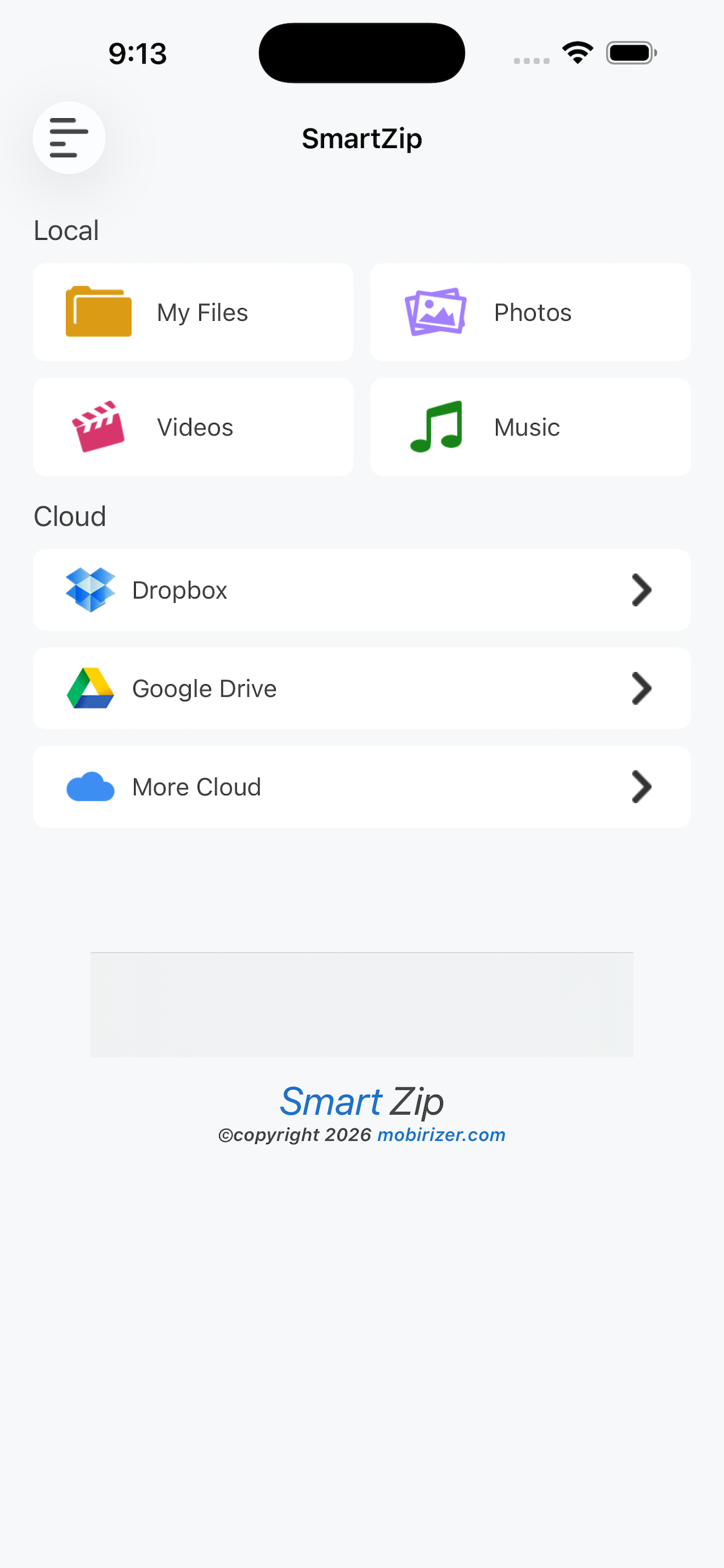
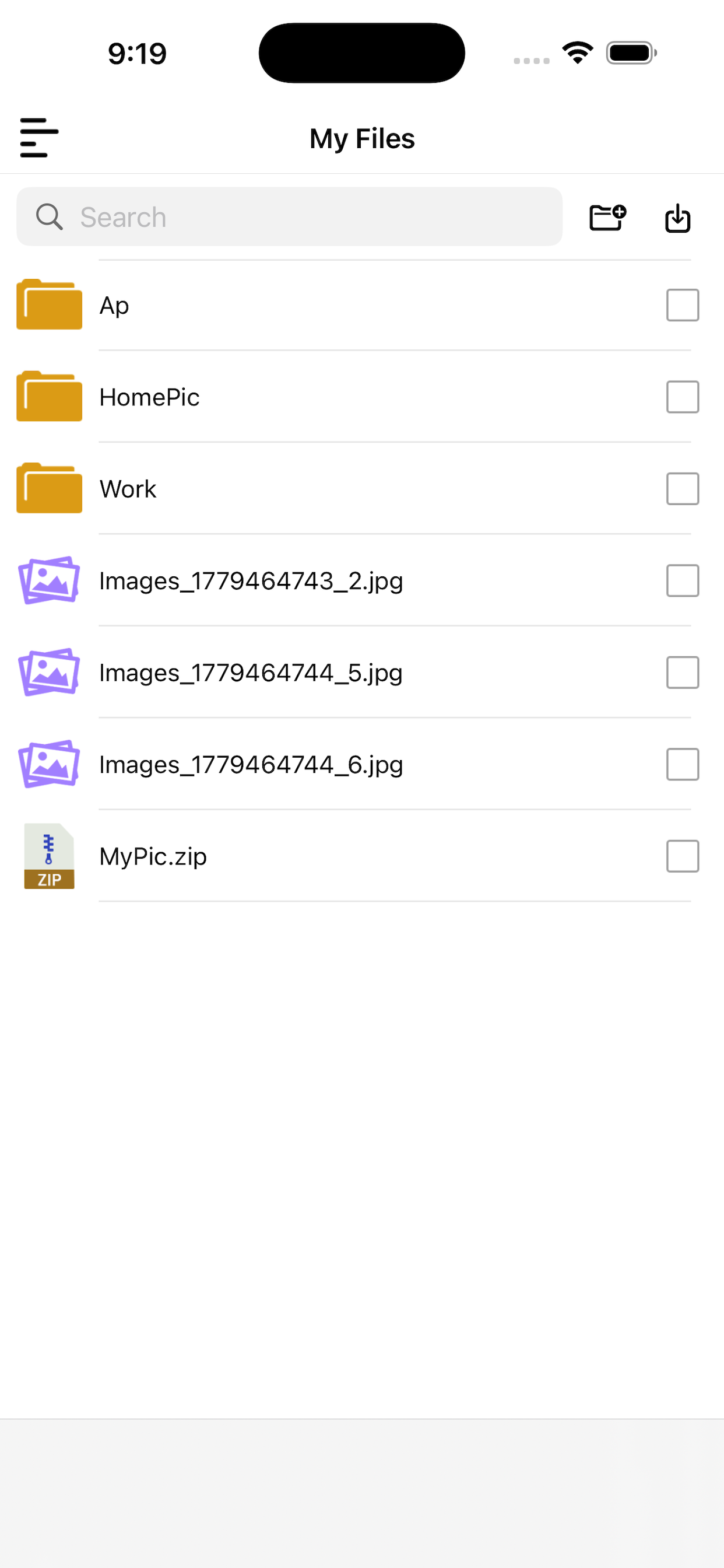

SmartZip is designed around the common actions people need when documents are scattered across cloud and local storage.
Sign in to Dropbox or Google Drive and browse your folders from inside SmartZip.
Select the files you need and copy them locally with visible progress feedback.
Package selected files into a ZIP archive and share it through iOS share options.
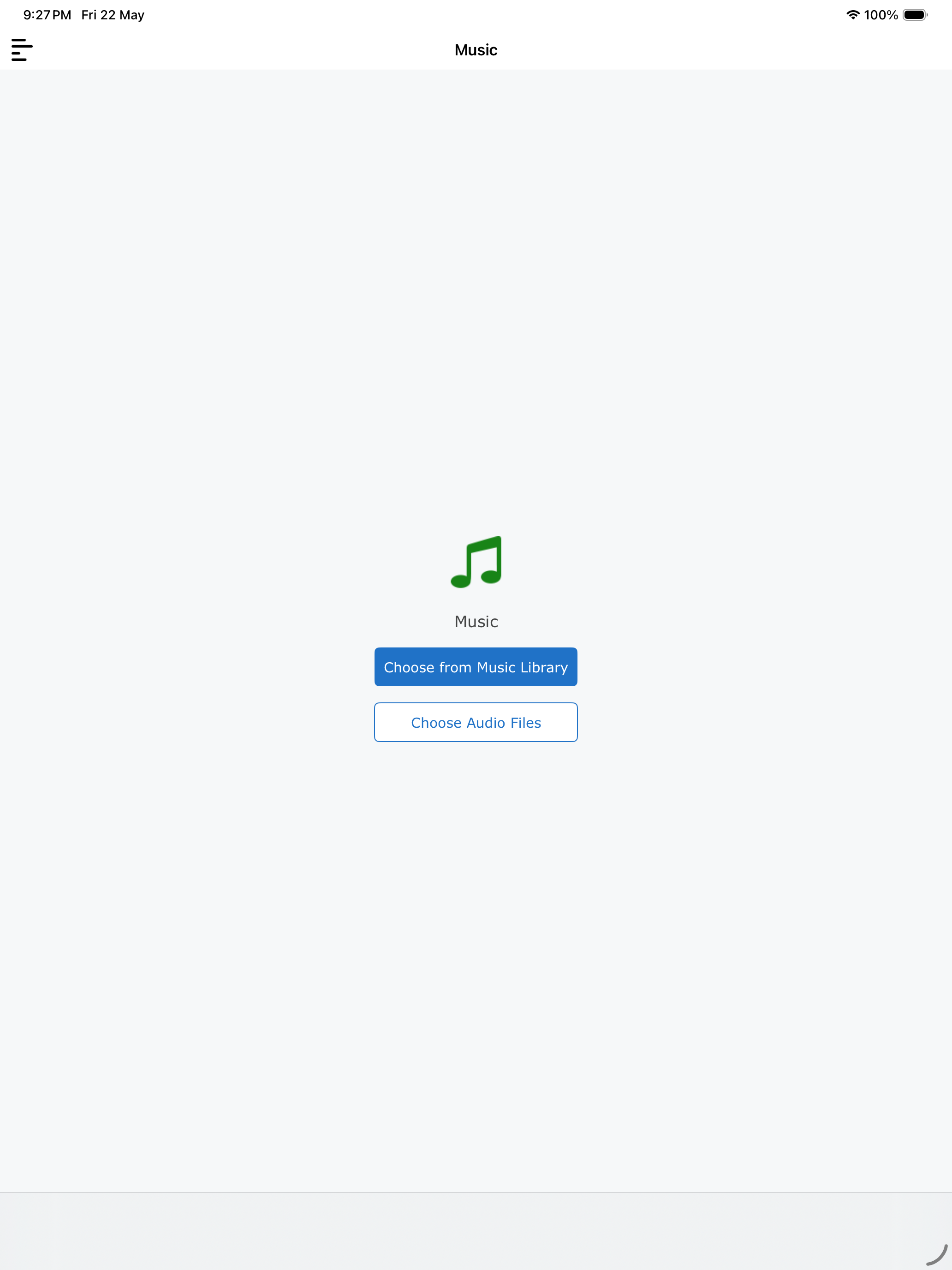
SmartZip brings local files, cloud files, ZIP creation, and sharing into one straightforward app experience.